

MGIC Fitness Center App Update
App Update
Welcome to the new MGIC Fitness Center App! We’re excited to introduce a fresh new look and improved features designed to make your fitness experience even better. This page will guide you through everything you need to know—from how to download the app, to answers for frequently asked questions, to helpful links and resources. Whether you’re here to get started or looking for quick support, we’ve got you covered.


What You Need to Know
Everything you need to know about the MGIC Fitness Center App update is right here. Expand the questions below to find your answers.
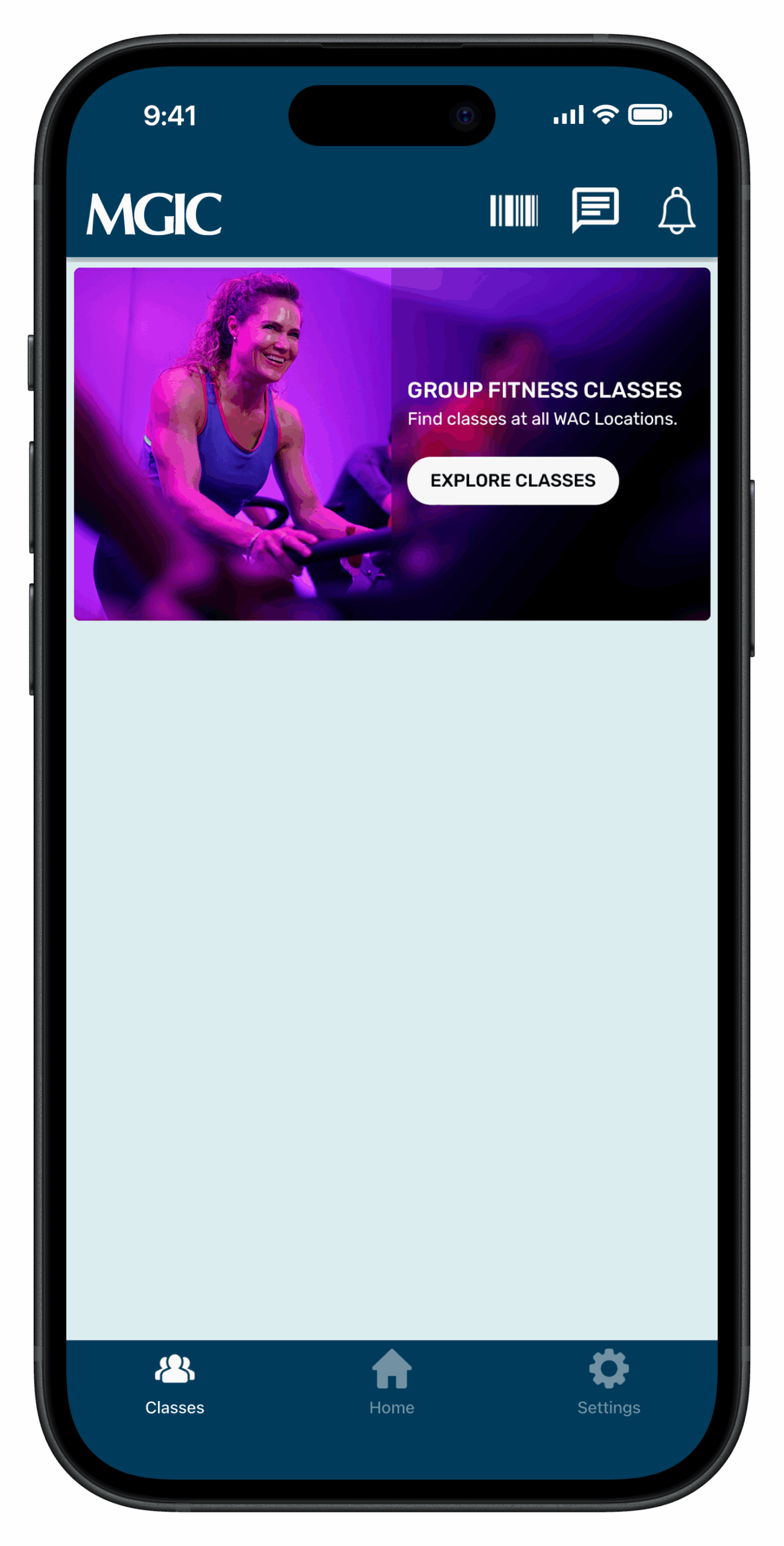
Verify and Log In to Account
View our guide to learn how to set up your new app.
MGIC Fitness Center App Guides
We’ve created step-by-step tutorials to help you feel comfortable using the new MGIC Fitness Center app. From setting up your account to managing class reservations and notifications, these guides walk you through everything you need to know.

How to Verify and Log In to Your Account

How to Register for Group Fitness Classes

How to View or Cancel Class Registrations
How to Mark Attendance (Check In) on Your Phone

How to Manage App Notifications
Classes & Attendance
Step-by-step guides for registering, canceling, and checking into Group Fitness Classes.
How to Register for Group Fitness Classes
How to View or Cancel Class Registrations
How to Mark Attendance (Check In) on Your Phone

How to Mark Attendance (Check In) at the Club Kiosk
Need help?
Contact your trainer or email [email protected] for help in setting up your WAC Training app.