The WAC App has moved to WAC+

Group Fitness on WAC+

WAC+ is now home to Group Fitness Classes along with Premium Classes, Swim Lessons, Pickleball, and Workshops. That means one less app to manage—bringing most of your favorite programs together in one place.

What You Can Do in WAC+

View Group Fitness Schedules
Book a spot for class
Mark Attendance (formerly Check In)
Register and Pay for Premium Classes and Events
Register Children for Swim Lessons
Sign Up for Pickleball Drills and Events
Access your Digital Membership Card
The WAC Plus App
Download on the App Store
Get it on Google Play

What You Need to Know

Everything you need to know about the WAC App moving to WAC+ is right here. Expand the questions below to find your answers.
  • Already have WAC+? You’re all set—just log in.
  • New to WAC+? Check out our guide below to confirm and log in (members) or create a new account (non-members).
  • The WAC App is no longer be available in the Apple App Store or Google Play.
  • Group Fitness classes no longer appear in the app.
  • Your digital membership card no longer appears in the app.
  • To avoid confusion, we recommend removing the WAC App from your device as soon as possible and using WAC+ moving forward.

No. Group Fitness Classes are included in your membership!

WAC+ also includes other programming (Premium Classes, Swim Lessons, Workshops, Pickleball) that may have fees, but Group Fitness remains free for members.

We know juggling multiple apps can be frustrating. Merging the WAC App into WAC+ makes things easier:

  • One less app to keep track of
  • Reservations and registrations all in one place
  • You have the ability to register for family members
  • Streamlined support for quicker help
  • Less downtime

Yes. To keep classes available to as many members as possible, you’ll need to Mark Attendance (formerly Check In).

Check out our guides below to learn how to mark your attendance on WAC+.

Our Group Fitness and Member Services teams are here for you.

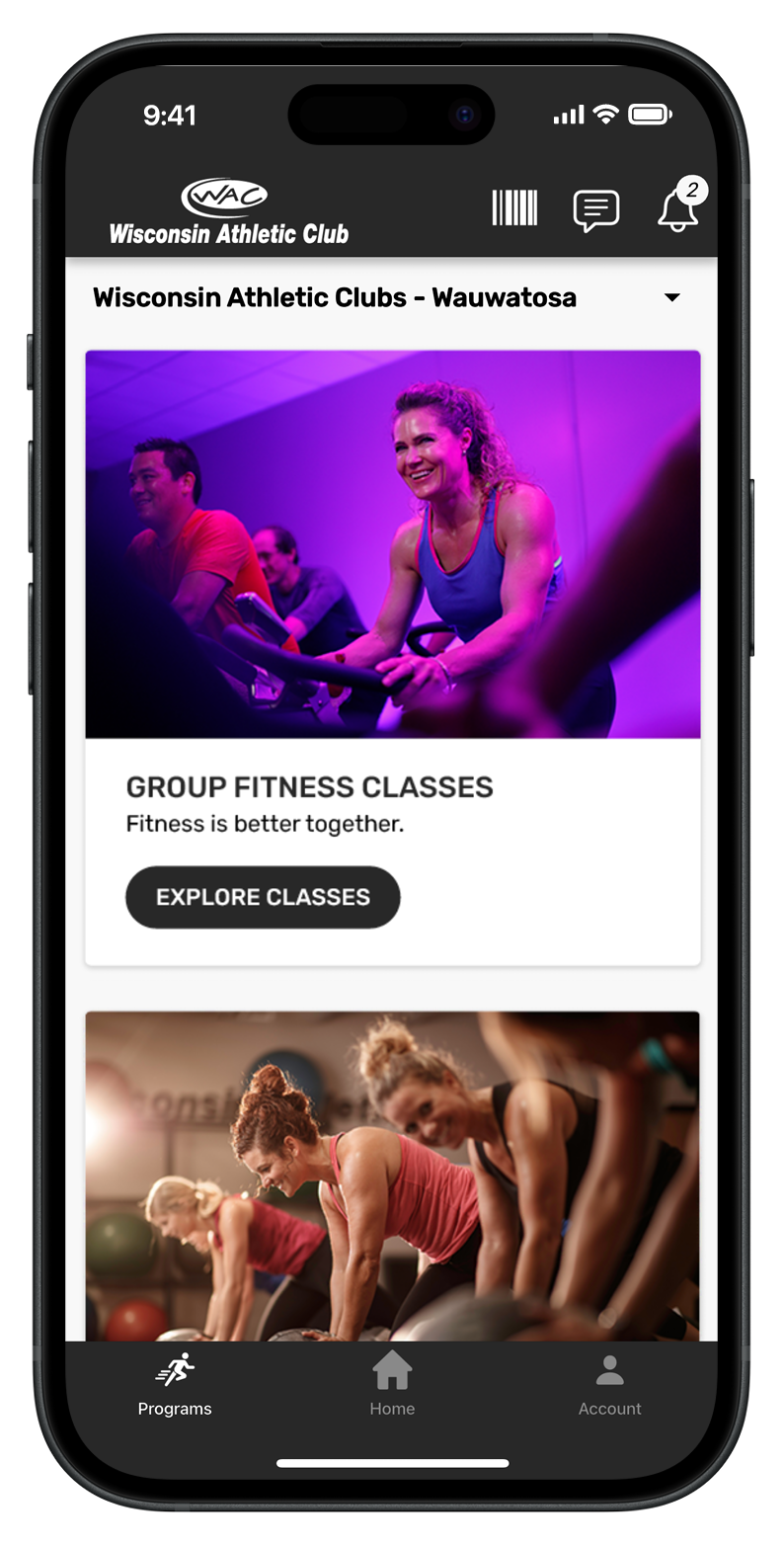
WAC+ App with image of Group Fitness

WAC+ How-To Guides

We’ve created step-by-step tutorials to help you feel comfortable using WAC+. From setting up your account to managing class reservations and notifications, these guides walk you through everything you need to know.

Getting Started

Everything you need to create and access your WAC+ account.

How to Verify and Log In to Your Account

For WAC Members

How to Create a Non-Member Account

For Non-Members

Classes & Attendance

Step-by-step guides for registering, canceling, and checking into Group Fitness Classes.

How to Register for Group Fitness Classes

How to View or Cancel Class Registrations

How to Mark Attendance (Check In) on Your Phone

How to Mark Attendance (Check In) at the Club Kiosk

App Settings

Quick tips for customizing your WAC+ experience.

How to Manage WAC+ App Notifications

The WAC Plus App

Get the WAC+ App

Download on the App Store
Get it on Google Play

Need help?

Contact your trainer or email [email protected] for help in setting up your WAC Training app.