
The WAC App is Moving to WAC+

General Managers & Department Managers

Managers provide leadership during times of change. In this transition to WAC+, you’ll be ensuring that your team has the resources, knowledge, and confidence they need to support members effectively. By modeling a calm, informed approach and stepping in when challenges arise, you’ll help set the tone for a smooth and successful rollout at your club.

To help you prepare, we’ve put together step-by-step tutorials and practice homework so you can test your skills in the app before helping members.

The WAC Plus App
Download on the App Store
Get it on Google Play

WAC+ How-To Guides

We’ve created step-by-step tutorials to help you feel comfortable using WAC+. From setting up accounts to managing class reservations and notifications, these guides walk you through everything you need to know.

Account & Access

Learn how to setup and access WAC+ accounts for both members and non-members.

How to Verify and Log In to a Member Account

For WAC Members

How to Create a Non-Member Account

For Non-Members

How to Change the Home Club

How to Check In to the Club using the App

How to Link a New Member in WAC+

How to Merge Accounts in WAC+


Class Registrations

Help members manage their Group Fitness registrations and attendance.

How to Register for Group Fitness Classes

How to View or Cancel Class Registrations

How to Mark Attendance (Check In) on Your Phone

How to Mark Attendance (Check In) at the Club Kiosk

How to Add/Remove a Participant or Send a Message


Substitutions

Help your team find a sub.

How to Find a Sub (App)

How to Find a Sub (Website)


Communication & Messaging

Use WAC+ tools to connect with members and classes.

How to Manage WAC+ App Notifications

View In-App Messages

View In-App Notifications


Payments & Transactions

Support members with account purchases and history.

How to Review Orders and Transactions

Homework: Practice in WAC+

To get comfortable with WAC+ and the new processes, we’ve created a set of practice tasks for you to complete. These exercises will walk you through the most common actions you’ll use to support members (checking in, managing class registrations, adjusting account settings, and more). By completing them, you’ll gain the confidence and familiarity needed to guide members through the transition.

Top Navigation Bar

  • Check in at the club using the Barcode
    Practice scanning and verifying family member barcodes (swiping left/right).
  • View possible messages
    Locate and read in-app messages.
  • View possible notifications
    Find and review app notifications.

Home

  • Change your home location
    Update the account’s default club.

Account

  • Adjust notifications
    Customize what notifications are received.
  • Turn on Geo-notifications and visit the club
    Test location-based alerts. This can be turned off after testing if desired.
  • View transaction history
    Review recent orders and purchases.

Programs

  • Book a spot
    Add yourself under “Manage Booking,” search for your name.
  • View booked classes from the Barcode page
    See which classes are tied to the account.
  • Mark attendance from the Barcode page
    Practice confirming attendance within 2 hours of class (in the club).
  • Mark attendance using the kiosk in the club
    Practice kiosk check-in within 2 hours of class.
  • Cancel a booked class from the Barcode page
    Walk through how to release a spot.
  • Request a substitute (In App)
    Submit a sub request directly through the app.
  • Request a substitute (Website)
    Submit a sub request through wac.smarthealthclubs.com.
  • Check progress of substitute
    Track whether your sub request has been picked up.
  • Cancel substitution
    Withdraw a previously submitted sub request.

What Else You Need to Know

Everything you need to know about the WAC App moving to WAC+ is right here. Expand the questions below to find your answers.
  • The transition will take place October 7–8, 2025.
  • Group Fitness goes live on WAC+ at 12:00pm on October 8.
  • You can download WAC+ anytime before then to get ready.
  • Already have WAC+? They’re all set. All they need to do is log in.
  • New to WAC+? Check out our guide to confirm and log in (members) or create a new account (non-members).
  • Starting at 1:00pm on October 7, the WAC App will no longer be available in the Apple App Store or Google Play.
  • Group Fitness classes will also stop appearing in the WAC App at that time.
  • To avoid confusion, we recommend removing the WAC App from your device on October 8 and using WAC+ moving forward.
  • Reservations made in the current WAC App (or MotionVibe Website) before 1:00pm on October 7 will be sent to instructors.
  • Want to attend a class on October 7–8 but didn’t register before then? Check at the Front Desk for availability. Team Members will have printed rosters.
  • Starting October 8 at 12:00pm, register for all Group Fitness classes through WAC+. (Registration opens one week before each class.)

No. Group Fitness Classes are included in all WAC memberships!

WAC+ also includes other programming (Premium Classes, Swim Lessons, Workshops, Pickleball) that may have fees, but Group Fitness remains free for members.

We know juggling multiple apps can be frustrating. Merging the WAC App into WAC+ makes things easier:

  • One less app to keep track of
  • Reservations and registrations all in one place
  • You have the ability to register for family members
  • Streamlined support for quicker help
  • Less downtime

Yes. To keep classes available to as many members as possible, members will need to Mark Attendance (formerly Check In).

Check out our guides to learn how to mark attendance on WAC+.

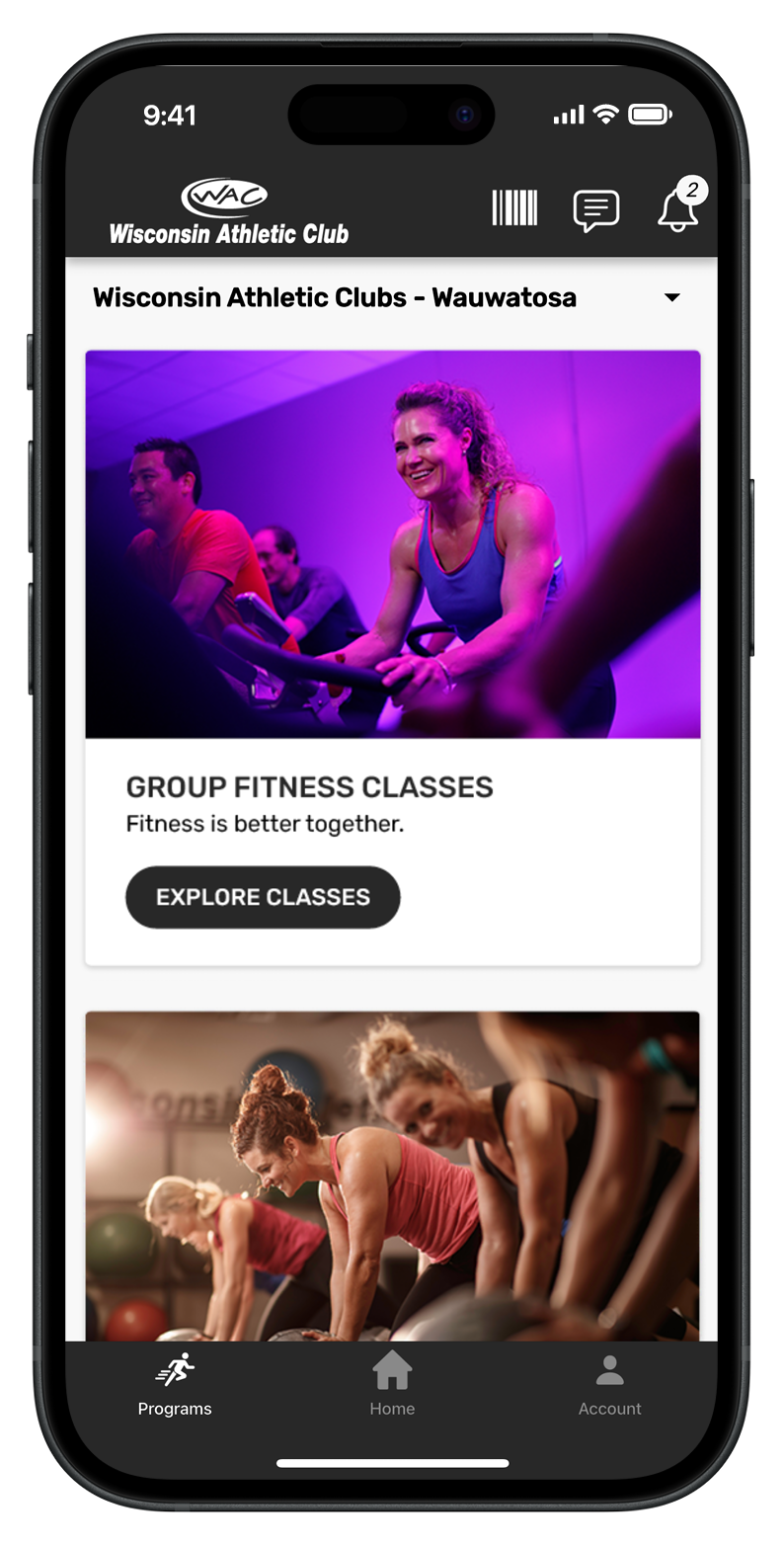
WAC+ App with image of Group Fitness
The WAC Plus App

Get the WAC+ App

Download on the App Store
Get it on Google Play

Need help?

Contact your trainer or email [email protected] for help in setting up your WAC Training app.