
The WAC App is Moving to WAC+
Member Services
Member Services is often where members turn when they need extra help. As WAC+ becomes the new home for Group Fitness registrations and attendance, your role is key in supporting members who may have questions, need account setup assistance, or want reassurance. Your ability to troubleshoot, guide, and encourage will make the transition easier and create a positive member experience.
To help you prepare, we’ve put together step-by-step tutorials and practice homework so you can test your skills in the app before helping members.


WAC+ How-To Guides
We’ve created step-by-step tutorials to help you feel comfortable using WAC+. From setting up accounts to managing class reservations and notifications, these guides walk you through everything you need to know.
Account & Access
Learn how to setup and access WAC+ accounts for both members and non-members.

How to Verify and Log In to a Member Account
For WAC Members

How to Create a Non-Member Account
For Non-Members

How to Change the Home Club
How to Check In to the Club using the App

How to Link a New Member in WAC+

How to Merge Accounts in WAC+
Class Registrations
Help members manage their Group Fitness registrations and attendance.

How to Register for Group Fitness Classes

How to View or Cancel Class Registrations

How to Mark Attendance (Check In) on Your Phone

How to Mark Attendance (Check In) at the Club Kiosk

How to Add/Remove a Participant or Send a Message
Communication & Messaging
Use WAC+ tools to connect with members and classes.
How to Manage WAC+ App Notifications

View In-App Messages

View In-App Notifications
Payments & Transactions
Support members with account purchases and history.

How to Review Orders and Transactions
Homework: Practice in WAC+
To get comfortable with WAC+ and the new processes, we’ve created a set of practice tasks for you to complete. These exercises will walk you through the most common actions you’ll use to support members (checking in, managing class registrations, adjusting account settings, and more). By completing them, you’ll gain the confidence and familiarity needed to guide members through the transition.
Top Navigation Bar
Home
Account
SCH Web Portal
Programs
What Else You Need to Know
Everything you need to know about the WAC App moving to WAC+ is right here. Expand the questions below to find your answers.
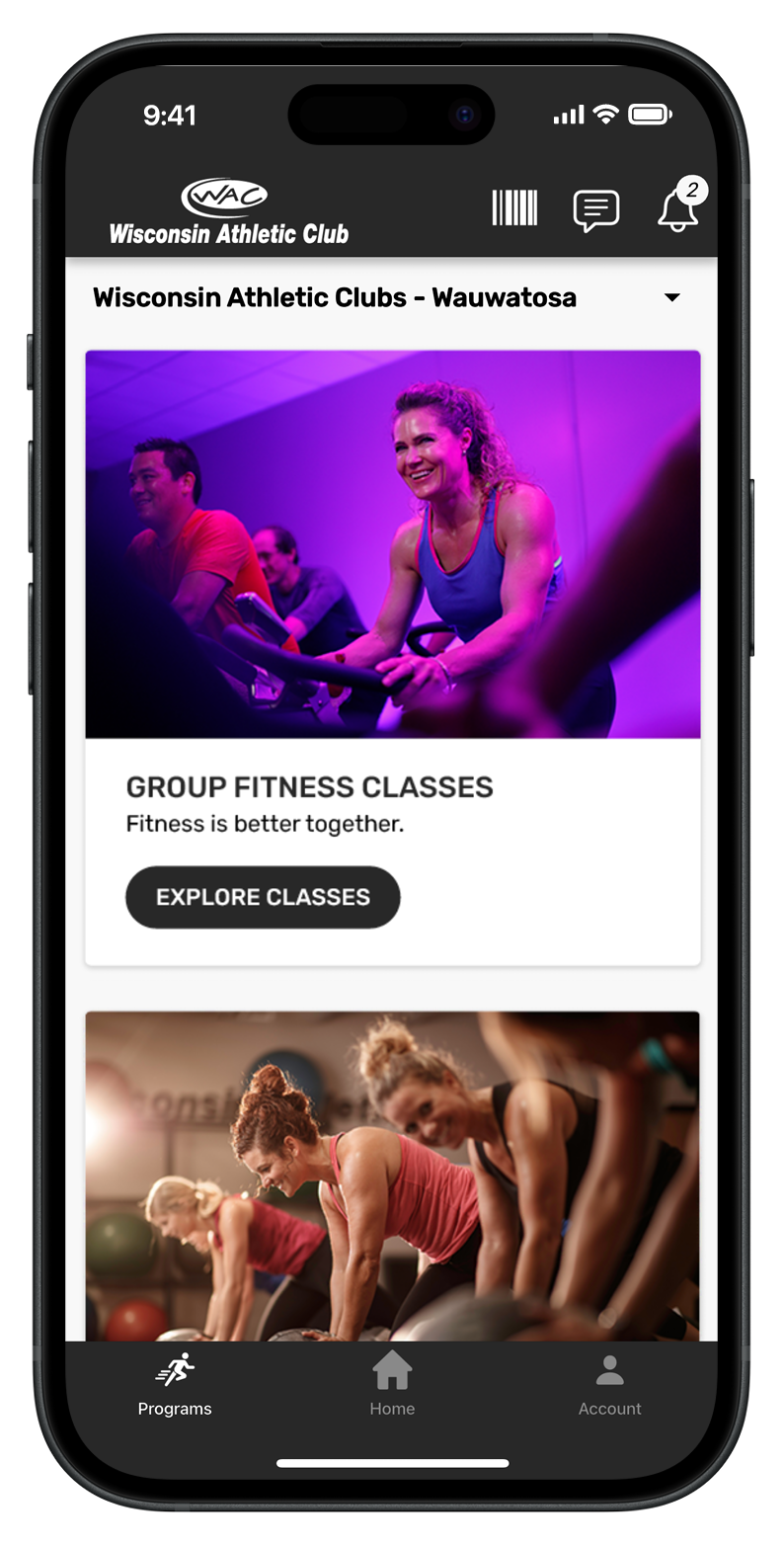
Get the WAC+ App

Need help?
Contact your trainer or email [email protected] for help in setting up your WAC Training app.